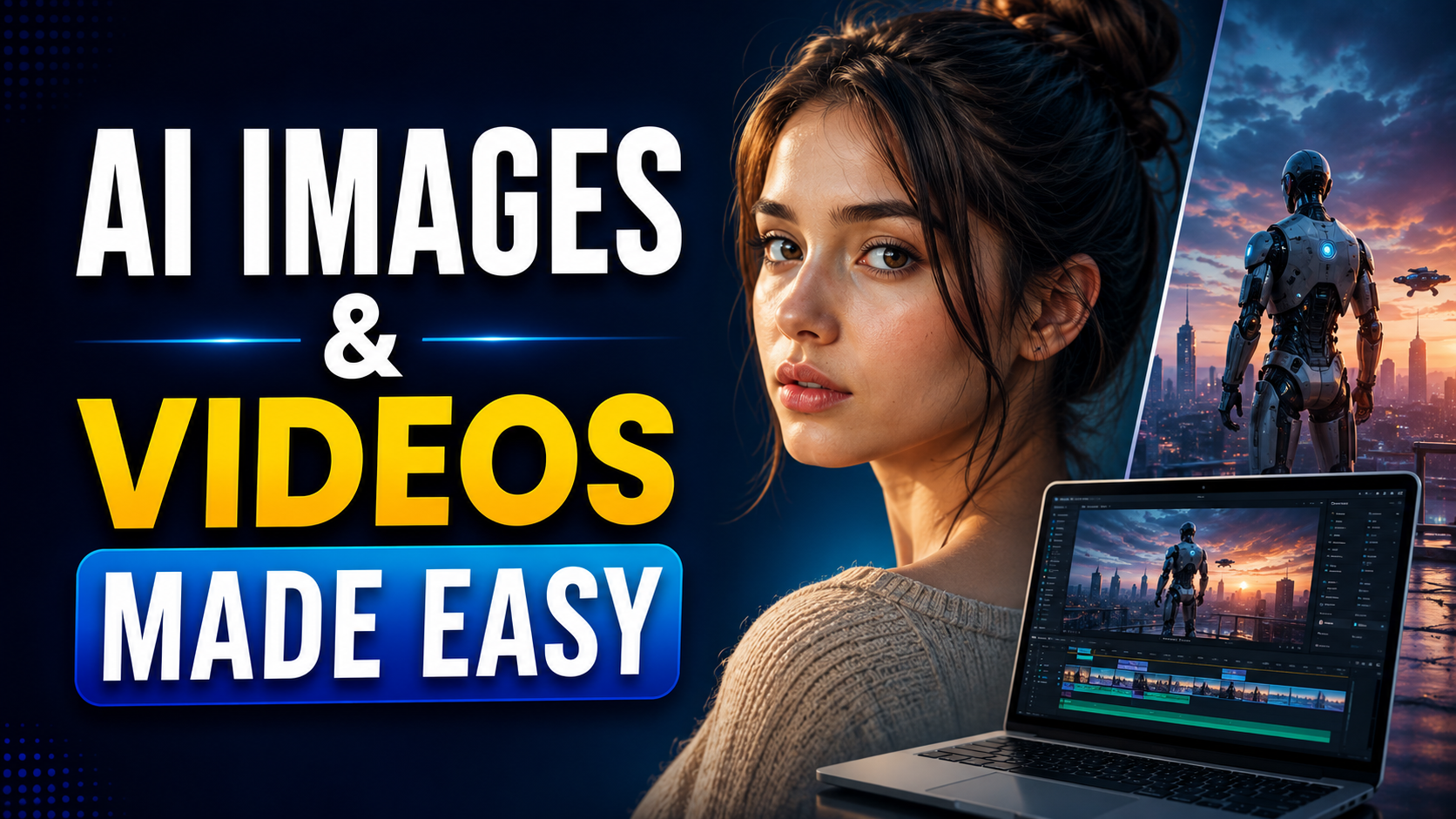
Artificial intelligence has changed the way visual content is created. You no longer need an expensive camera, professional studio, or advanced editing skills to produce impressive images and videos. With the right AI tools and a well-written prompt, beginners can create visuals that look remarkably realistic.
However, getting a realistic result is not simply about typing a few words into an AI generator. Details such as lighting, camera angle, facial expressions, environment, clothing, textures, and movement can make a huge difference.
In this guide, we’ll explain how to create realistic AI images and videos and share practical techniques for getting better results.
Also read: What is Prompt Engineering?
What Makes an AI Image or Video Look Realistic?
Before creating anything, it helps to understand what gives a visual a realistic appearance.
Realistic AI content usually has:
- Natural lighting and shadows
- Realistic skin and hair textures
- Accurate body proportions
- Natural facial expressions
- Detailed environments
- Consistent perspective
- Believable camera depth and focus
- Natural movement in videos
- Realistic reflections and materials
The more specific your instructions are, the easier it is for an AI tool to understand the scene you want.
Start With a Detailed Prompt
The prompt is one of the most important parts of AI image generation.
Instead of writing:
“A man standing in a city.”
Try describing the scene more precisely:
“A young man standing on a busy Indian street during early evening, wearing a simple blue shirt and dark jeans, natural facial expression, soft sunlight, realistic skin texture, shallow depth of field, photographed with a professional camera.”
The second prompt gives the AI much more information about the subject, location, lighting, clothing, and photography style.
A Simple Prompt Formula
You can structure your prompts like this:
Subject + Location + Appearance + Lighting + Camera + Mood + Details
For example:
“A woman sitting inside a modern café, casual clothing, natural expression, afternoon window light, realistic skin texture, shallow depth of field, documentary photography style, detailed background.”
You don’t need to use complicated technical words. Clear descriptions are often more useful than unnecessarily long prompts.
Use Natural Lighting
Lighting plays a major role in making AI-generated visuals believable.
For realistic images, describe the type of light you want:
- Soft morning sunlight
- Golden-hour lighting
- Overcast daylight
- Indoor window light
- Natural evening light
- Soft shadows
Avoid adding too many dramatic lighting effects if your goal is a normal photograph. Real-life scenes often contain subtle shadows and uneven lighting.
Pay Attention to Camera Details
Camera-related descriptions can help establish the visual appearance of a scene.
Depending on the image generator, you can describe:
- Wide-angle shot
- Close-up portrait
- Medium shot
- Eye-level camera
- Low-angle shot
- Shallow depth of field
- Background blur
- Documentary photography
- Street photography
For example, a portrait prompt could mention an eye-level close-up with a softly blurred background and natural window lighting.
The goal isn’t to add camera terminology just for the sake of it. Use details that support the scene you’re trying to create.
How to Create Realistic AI Videos
Creating a realistic video requires more than generating a good-looking image. Movement and consistency are equally important.
Start with a simple scene rather than trying to generate a complicated sequence immediately.
For example:
“A man walking slowly through a quiet city street in the early morning, natural walking movement, gentle camera tracking, realistic shadows and subtle background activity.”
This gives the video generator information about the subject, action, camera movement, environment, and lighting.
Keep Movement Natural
One common problem with AI-generated videos is unnatural movement.
To improve the result, describe movements clearly and realistically:
- “Walks slowly toward the camera”
- “Turns his head naturally”
- “Gently picks up the cup”
- “Camera slowly moves forward”
- “Wind slightly moves the trees”
Simple movements are generally easier to control than scenes containing several complicated actions at once.
Maintain Character Consistency
If you’re creating multiple images or video clips featuring the same person, maintaining a consistent appearance can be challenging.
Try to keep important character details consistent, such as:
- Hairstyle
- Clothing
- Age range
- Facial features
- Accessories
- Body type
- General appearance
When the AI tool supports reference images or character-reference features, they can be useful for maintaining visual consistency across different scenes.
Don’t Overdo the “Ultra-Realistic” Keywords
Many beginners repeatedly use terms such as “8K,” “ultra-realistic,” “hyper-realistic,” and “extremely detailed.”
These words alone won’t guarantee a realistic result.
Instead, describe what realism should look like. Mention natural skin texture, realistic shadows, imperfect hair, believable materials, accurate proportions, and environmental details.
Specific visual information is usually more useful than simply adding more quality-related keywords.
Edit the Result Instead of Starting Over
Your first AI-generated image or video may not be perfect. That’s normal.
If the overall composition is good but one detail looks wrong, use an editing or refinement feature when available instead of completely recreating the scene.
For images, you might correct:
- Hands or facial details
- Clothing
- Background objects
- Lighting
- Unwanted elements
For videos, you may need to regenerate a short section or adjust the prompt to make movement more natural.
Be Responsible With AI-Generated Realistic Content
Realistic AI content can be useful for marketing, education, storytelling, product concepts, social media, and many other creative projects. But it should be used responsibly.
Don’t create or distribute realistic content that falsely represents a real person doing or saying something they never did. Avoid using someone’s likeness without appropriate permission, particularly for misleading or harmful purposes.
When realistic synthetic content could reasonably be mistaken for authentic footage, clearly identifying it as AI-generated can also help prevent confusion.
Final Thoughts
Creating realistic images and videos with AI is a combination of good prompting, visual understanding, experimentation, and editing. You don’t need to write complicated prompts from the beginning.
Start with a clear subject, describe the environment, add realistic lighting, explain the camera perspective, and specify natural movement for videos. Then review the result and make small improvements.
The biggest improvement usually comes from learning how to describe what you actually want to see rather than simply adding more keywords. With practice, AI tools can become a useful part of your visual content creation workflow.
Frequently Asked Questions
1. Can beginners create realistic AI images?
Yes. Modern AI image generators are designed to work with natural-language prompts, so beginners can start without professional graphic-design skills.
2. How do I make AI images look more realistic?
Describe natural lighting, realistic textures, accurate proportions, camera perspective, facial expressions, and environmental details instead of relying only on terms like “ultra-realistic.”
3. How can I create realistic AI videos?
Start with a simple scene and clearly describe the subject’s movement, camera movement, lighting, environment, and overall action. Short, straightforward scenes are easier to refine.
4. Why do AI-generated faces sometimes look unnatural?
AI-generated faces can contain inconsistencies in details such as expressions, eyes, skin texture, or proportions. Refining the prompt and using available image-editing or reference features can help.
5. Can AI-generated images be used commercially?
This depends on the specific AI tool’s terms and the content you create. Always check the current licensing and usage conditions of the platform you are using.
6. Is it okay to create realistic images of real people with AI?
You should respect the person’s privacy and rights. Avoid creating misleading, harmful, or deceptive content involving real people’s likenesses, and obtain appropriate permission when necessary.